Wireframe design is one of the key stages in the digital product design process, creating an initial and structured representation of pages, sections, and main components of a product. A wireframe can be considered the skeleton or initial map of the user interface; where the focus is not on visual beauty but on content layout, information structure, element prioritization, and user interaction paths. This stage helps review and refine the overall product logic clearly before spending time and money on graphic design and development.
In wireframes, main page elements such as header, menu, buttons, forms, content areas, interactive sections, and navigation structure are drawn simply and often in black and white or with low detail. This simplicity is an important advantage because it keeps the team's focus on fundamental design decisions. At this stage, instead of getting involved with color, imagery, and graphic details, decisions are made about information placement, content display order, and ease of use.
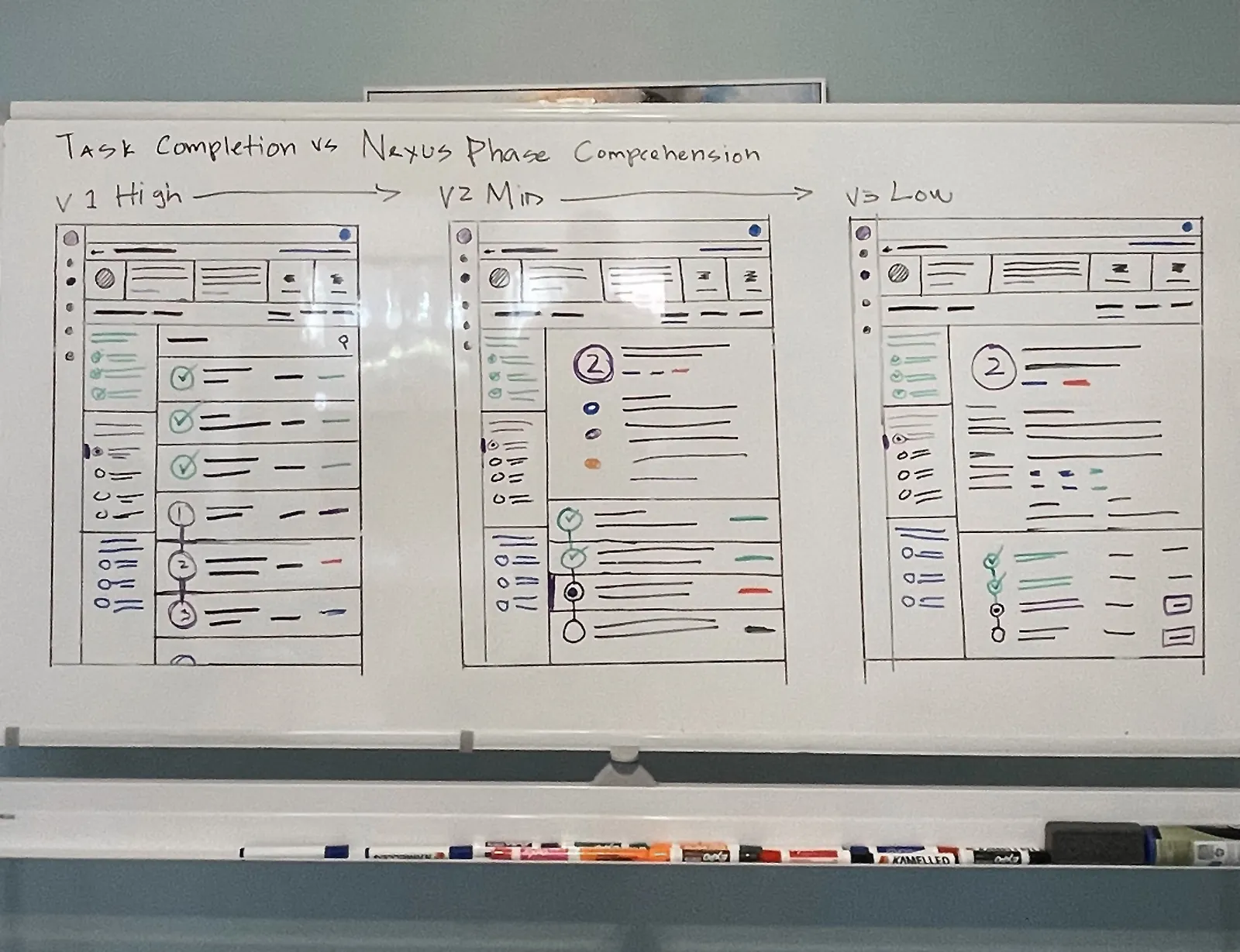
One of the most important uses of wireframes is aligning team members before starting final design and development. When a product directly enters the visual design or implementation phase, the likelihood of misunderstandings about page structure or interaction logic increases. Wireframes act as a common language between the product manager, designer, developer, and even stakeholders, allowing everyone to agree on the overall shape of the product before serious spending.
- Defining the initial structure of pages and sections
- Specifying the placement of key user interface elements
- Reviewing information architecture and navigation
- Early identification of structural problems
- Creating a common basis for UI design and development
Wireframes can be designed at different levels of detail. Low-Fidelity wireframes are typically fast, simple, and suitable for reviewing initial ideas, while Mid-Fidelity or High-Fidelity wireframes can provide more detail about relative element sizes, initial interactions, or content order. The choice of detail level depends on the project stage, the degree of requirement certainty, and the type of decisions that need to be made.
Wireframe design also plays an important role in optimizing user experience. When page structures are properly defined, users can more easily find their way in the product, reach the information they need faster, and face less ambiguity. Many problems that later appear in UX or UI can be discovered at this stage; for example, incorrect CTA placement, overly complex forms, or lack of clarity in navigation structure.
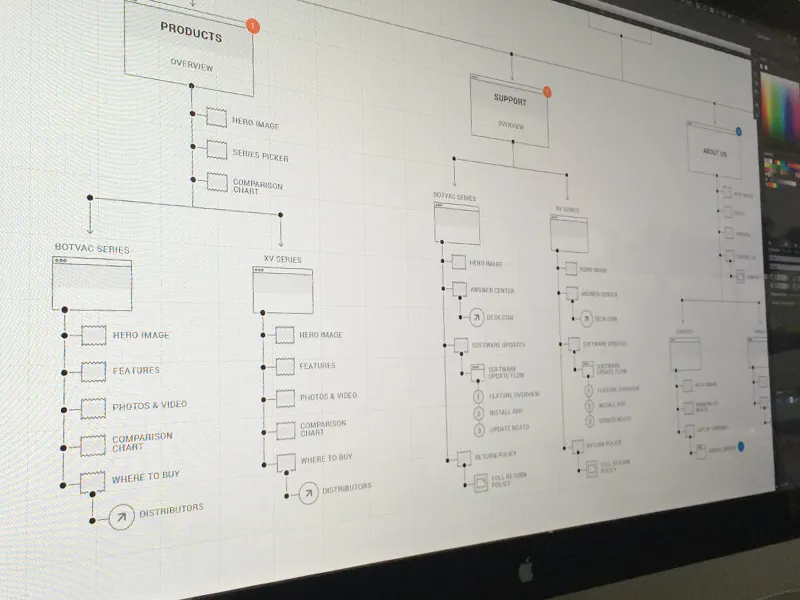
Tools such as Figma, Balsamiq, Whimsical, and Adobe XD are very common for wireframe design. These tools enable fast design, feedback collection, and structure modification. In professional projects, wireframes are typically presented along with behavioral descriptions, usage scenarios, and user flows so that the development and design teams have a complete picture of the expected product behavior.
- Reducing the cost of changes in later project stages
- Increasing decision-making speed regarding page structure
- Improving communication between product, design, and development teams
- Discovering user experience problems in early stages
- Creating a clear foundation for final visual design
Ultimately, a wireframe is not just a design output but a thinking and decision-making tool. This stage helps the team validate their assumptions about product structure before entering more costly phases. The more precise the wireframe and the more based on real user needs, the greater the likelihood of success in subsequent design and development stages.